
© Sennheiser
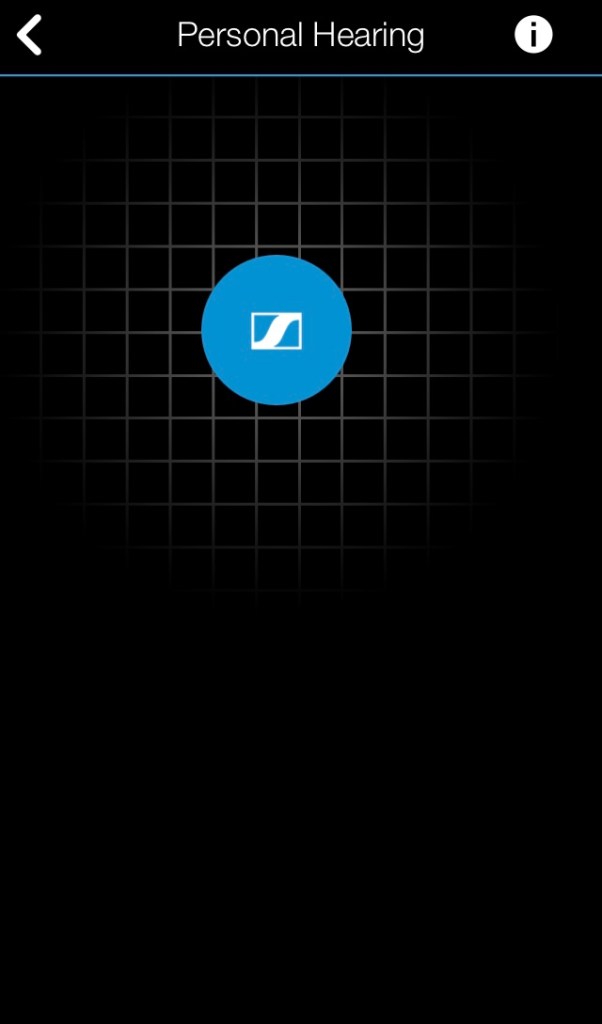
Personal hearing screen in the Mobile Connect app, which simply has a grey grid on a black background, on top of which is a large blue circle. You can move this circle anywhere on the screen to get the sound you want. Move it left for more bass, right for more treble, up for more volume and down for less volume.

 Well Eye Never